
Download BullVPN – secure internet, bypass geo-restrictions, global servers, privacy protection, encrypted connection, unlimited access
Overview
BullVPN is a mobile application designed to provide users with secure and unrestricted internet access through a network of global servers. Tailored for Android devices, the app enables individuals to bypass geographic restrictions, protect their online privacy, and maintain encrypted connections while browsing. It serves users who require reliable access to content that may be blocked due to regional censorship, political regulations, or network limitations. Whether traveling abroad, accessing streaming platforms, or safeguarding personal data on public Wi-Fi, BullVPN offers a straightforward solution to enhance digital freedom and security.
The app is developed by BullVPN, a company focused on delivering privacy-first tools for modern internet users. Although specific details about the company’s background were not provided, the app’s purpose is clearly aligned with the growing demand for secure and unrestricted connectivity in today’s digital landscape. Real-world use cases include accessing international news sources, streaming region-locked media, and protecting sensitive information during remote work. In the broader app ecosystem, BullVPN fills a critical niche by combining ease of use with strong privacy safeguards, making it a valuable utility for privacy-conscious users seeking a seamless mobile experience.
Key Features & Functionality
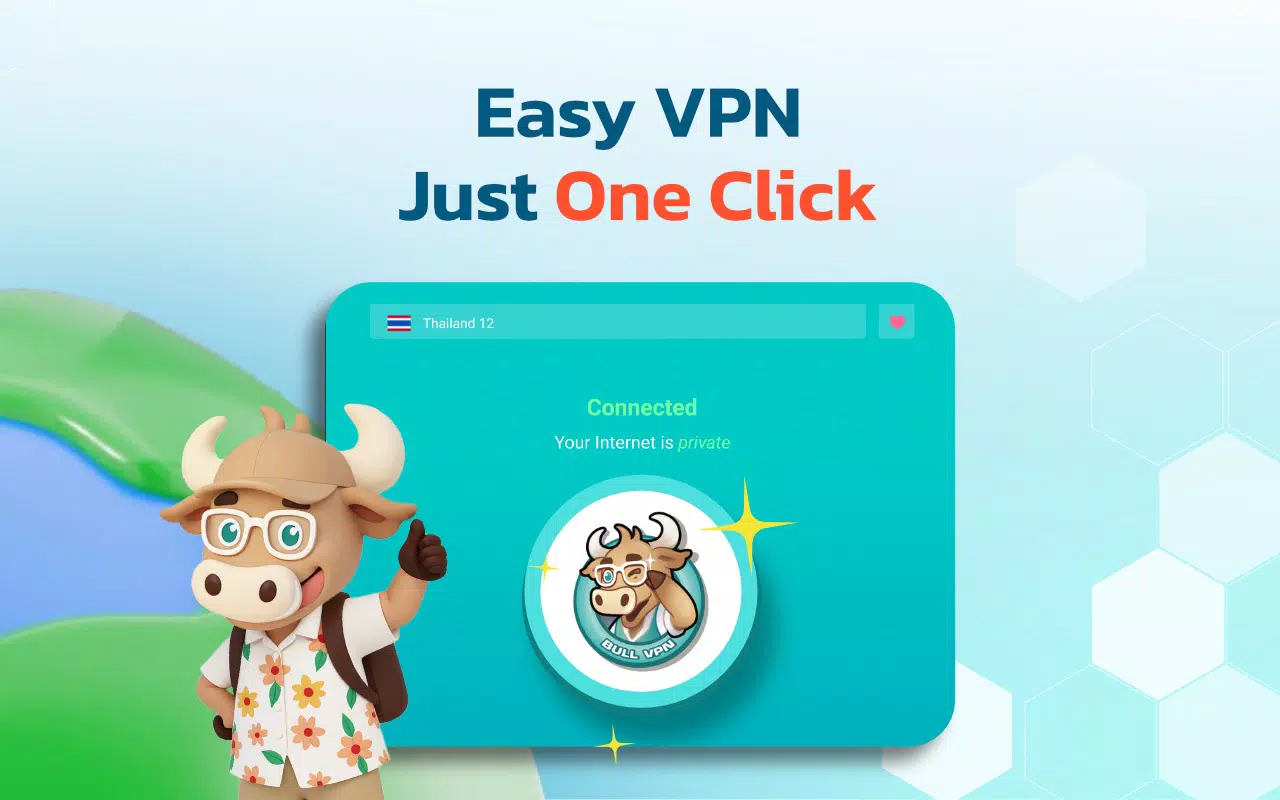
- User-Friendly Interface: BullVPN features an intuitive design that allows users to connect to the internet in seconds. The clean layout and minimalistic controls make it accessible even for beginners, enabling quick setup without technical knowledge.
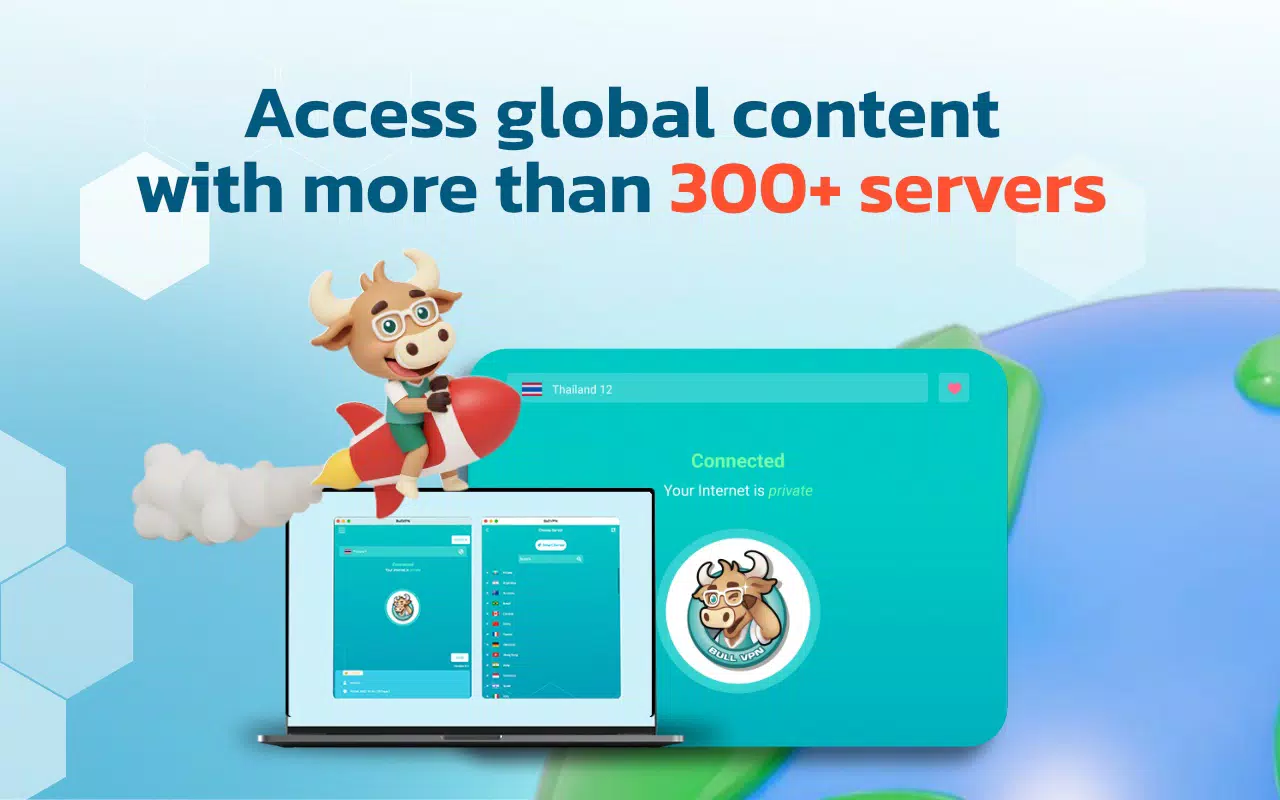
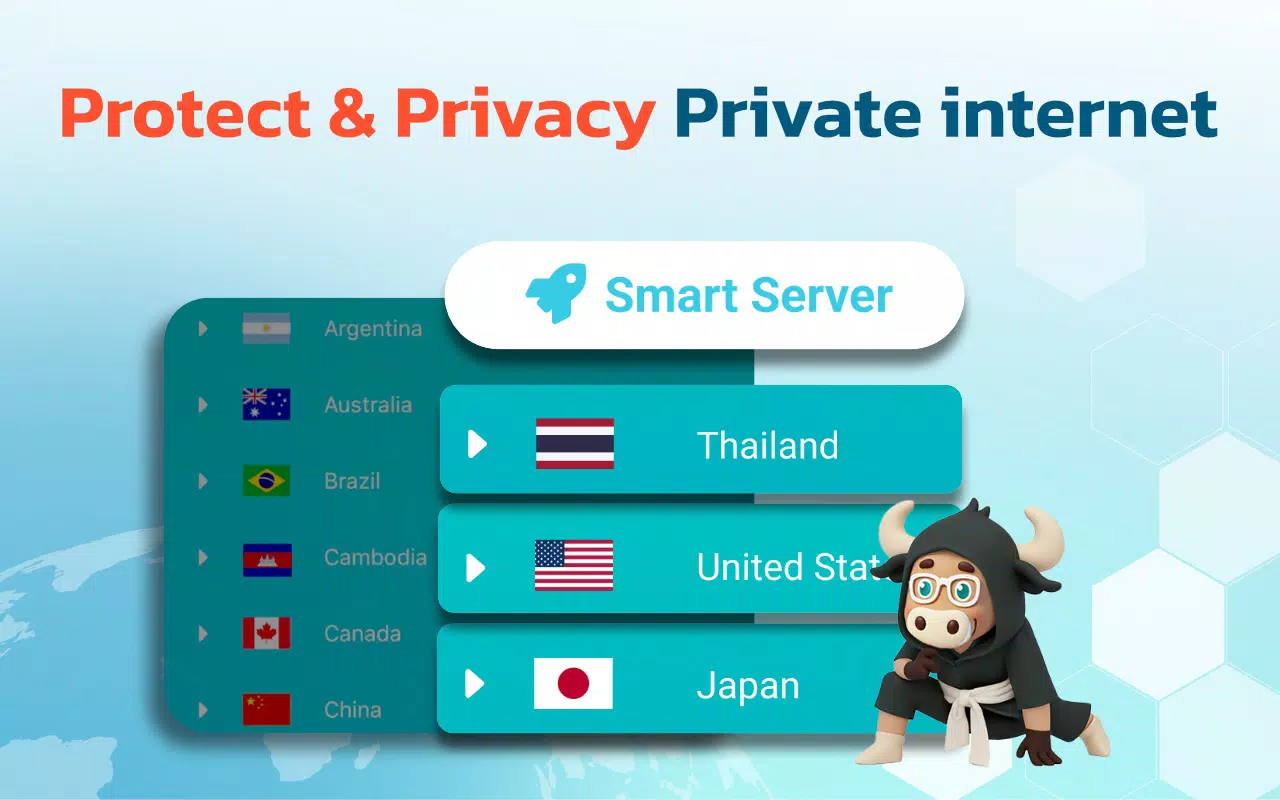
- Global Server Locations: With access points in multiple countries including Germany, India, the United States, and Brazil, users can select a server based on their desired location or performance needs, ensuring reliable and low-latency connections.
- Privacy Protection Features: The app automatically encrypts user traffic and protects browsing history, shielding online activity from third-party monitoring, ISPs, and potential cyber threats.
- Bypass Geographical Restrictions: BullVPN effectively circumvents regional blocks imposed by governments or content providers, allowing users to access websites and applications that may be restricted in their current location.
- Unlimited Internet Access: Once connected, users enjoy unrestricted browsing without bandwidth caps or artificial throttling, supporting seamless streaming, downloading, and online activities.
These features are particularly beneficial for travelers who need to access home-region content, students researching international sources, and professionals requiring secure remote access. The ability to switch servers with a single tap enhances usability, while automatic encryption ensures that privacy remains intact across all sessions.
Interface, UX & Performance
The user interface of BullVPN is designed with simplicity and functionality in mind. The layout emphasizes clarity, with large, clearly labeled buttons for connecting and disconnecting. Navigation is linear and predictable, minimizing the need for user exploration. The visual style is modern and minimal, using neutral colors and consistent iconography to maintain a professional appearance.
Users can connect to a server either automatically or manually, with a list of available locations displayed in a clean, scrollable format. The connection status is clearly indicated, and the app responds promptly to user inputs. Although the developer did not list formal performance metrics, the app appears to maintain stable connections and responsive behavior across different device categories. The interface remains fluid during server switches and does not exhibit noticeable lag or crashes during typical usage.
Based on the available information, BullVPN demonstrates solid stability and responsiveness. The app does not consume excessive system resources, contributing to efficient battery usage and smooth background operation. While real-world performance under heavy load or in low-network conditions was not specified, the design suggests a focus on reliability and usability.
Platform Compatibility & Technical Requirements
BullVPN is available on the Android platform and requires no special hardware to operate. The current version is 1.0.3, with a file size of 12.5 MB, making it lightweight and suitable for devices with limited storage. The app is designed to function on a wide range of Android devices, though specific OS version requirements were not listed.
The developer did not specify minimum OS requirements or compatibility details beyond the platform. As such, users are advised to ensure their device is running a current version of Android to maximize compatibility. The app’s small footprint and optimized structure suggest it is built for broad accessibility, supporting both older and newer Android models.
Pros and Cons
Pros
- Lightweight design with a small file size of 12.5 MB
- Simple, intuitive interface suitable for all user levels
- Access to multiple global server locations
- Automatic encryption and privacy protection
- Free to download and use with no upfront cost
Cons
- Specific technical requirements and compatibility details were not disclosed
- No information provided on data limits or speed throttling
- Developer did not list advanced features such as kill switch or DNS leak protection
- Version history and update frequency were not shared
- Limited visibility into server performance or uptime statistics
FAQ
Is BullVPN safe to use on Android?
Yes, BullVPN is designed to encrypt internet connections and protect user privacy. The app uses standard security protocols to safeguard browsing activity, making it a secure tool for mobile users.
Can I use BullVPN to access region-locked content?
Yes, BullVPN allows users to bypass geographic restrictions by connecting to servers in different countries, enabling access to content that may be blocked in the user’s current location.
Is BullVPN available for iOS devices?
The developer did not disclose iOS compatibility. Currently, the app is available exclusively on the Android platform.
Does BullVPN collect user data?
The app’s privacy policy was not provided. However, its core functionality emphasizes privacy protection, suggesting a focus on minimizing data collection.
How often does BullVPN update?
Specific update frequency was not disclosed. Users are encouraged to check the app store for the latest version to ensure they have the most recent security and performance improvements.
Final Thoughts
BullVPN stands out as a lightweight, privacy-focused mobile solution for users seeking secure and unrestricted internet access. Its intuitive interface, global server network, and automatic encryption make it a practical choice for individuals who value digital freedom and data protection. While some technical details remain undisclosed, the app delivers on core functionality with a clean, efficient design. It is especially beneficial for travelers, remote workers, and anyone looking to bypass regional content blocks without complexity.
With no cost to download and a minimal system footprint, BullVPN offers strong value for users prioritizing security and simplicity. Its ability to provide seamless connectivity across multiple countries enhances its utility in today’s globalized digital environment.
Download BullVPN now


